Installation Instructions

Installation Instructions for SPEEDSTICK WS-100

1

Mounting the electronics module

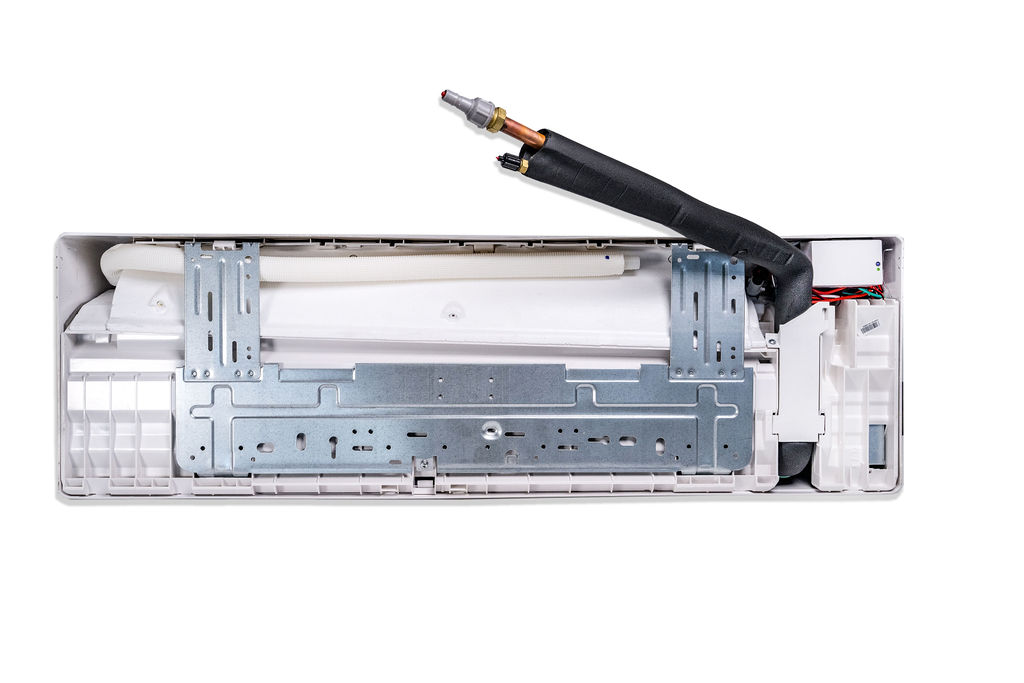
  1. Inside the air handler. (Concealed).
     Position the module inside the air handler and secure it in place, together with the wires, using tape and/or cable ties.

Click a picture below for an example of a concealed installation.
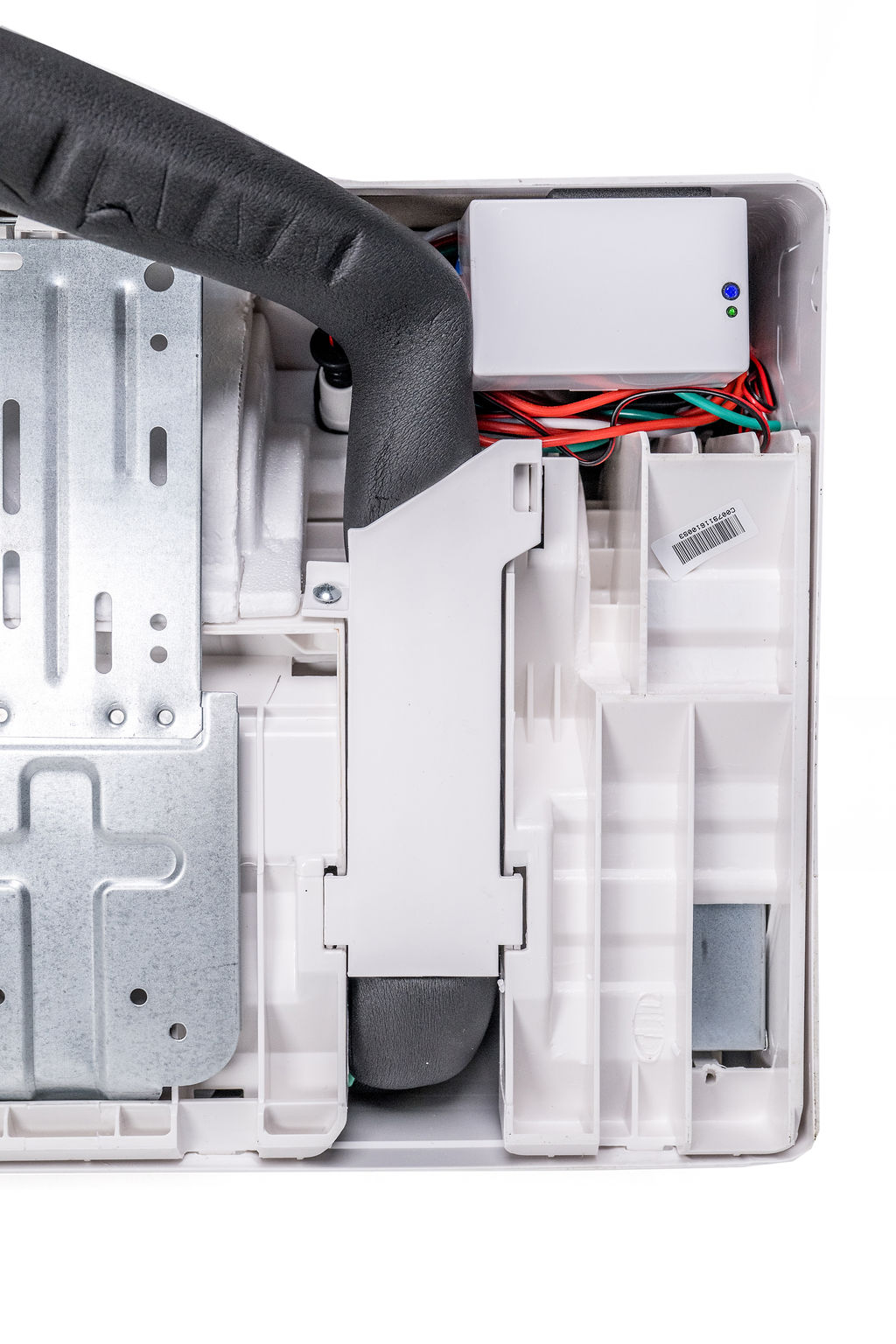
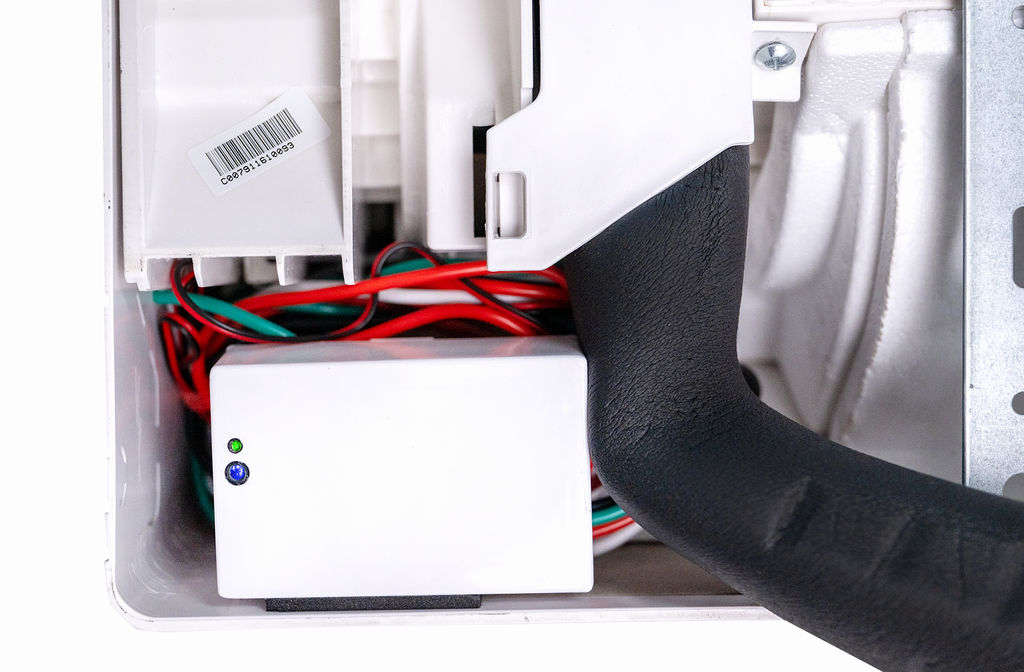
  1. On the exterior of the air handler. (Exposed).
    The module can be attached to either of the vertical side panels or to the bottom of the air handler.
    Position it with the mounting clip and secure it in place by applying the double-sided tape supplied to the epoxy underside of the module.

Click a picture below for an example of an exposed installation.
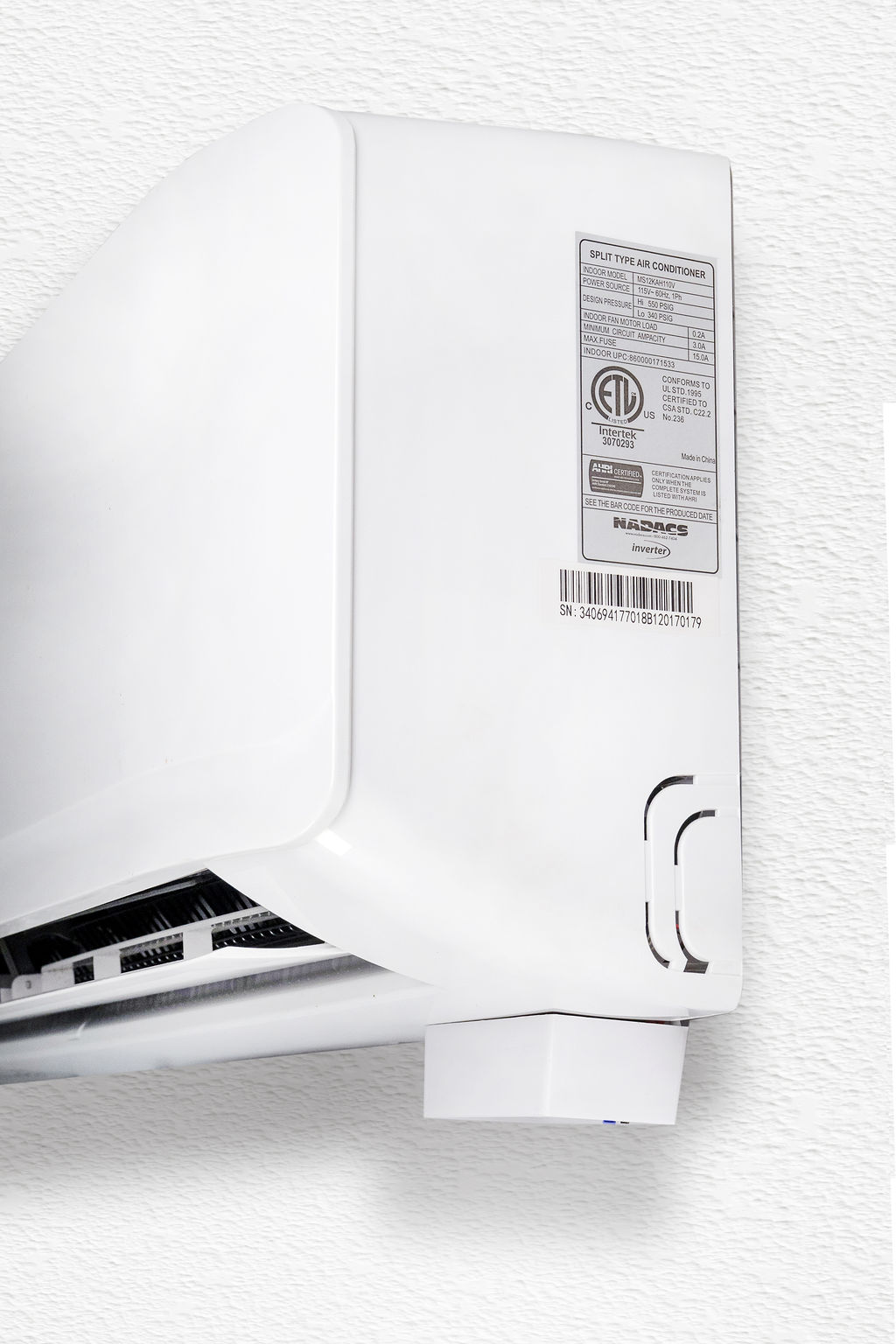
  1. Inside a line set cover. (Concealed).
    Secure the module, together with the wires, in place using tape and/or cable ties.
2

WIRING

  1. Ensure that power is shut off at the adjacent disconnect switch or at the main breaker.
  2. Consult the air handler’s installation manual to select the correct terminals.
  3. Connect the power & communication wires to the input side of the module using wire-nuts.
    NOTE: The white communication wire passes through the module.
    If the wiring diagram requires the communication wire from the condenser to the air handler to be uninterrupted, then bypass the module with the communications wire.
  4. Connect the output wires from the module to the air handler power input terminals.
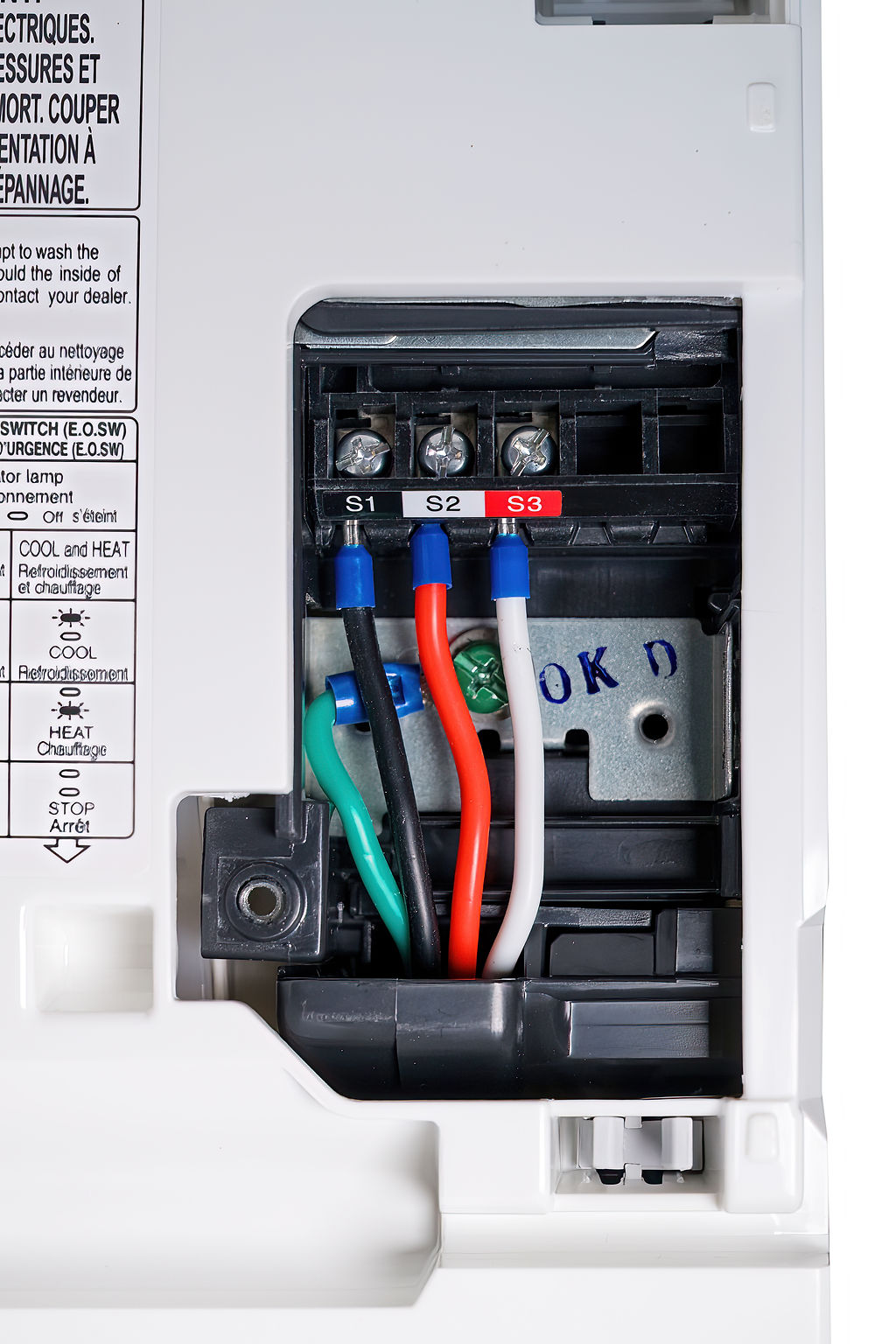
    Installation tip: Japanese and Korean Brands, such as Mitsubishi, Daikin, and Samsung, use a red wire as a communication wire, whereas the communication wire on our module is white. See photo below. 
3

INSERTING THE WATER SENSOR PROBE

All ductless air handlers are fitted with 2 drain outlets, 1 at each end, to provide flexibility in positioning the condensate drain hose, which can be connected to either of these outlets.

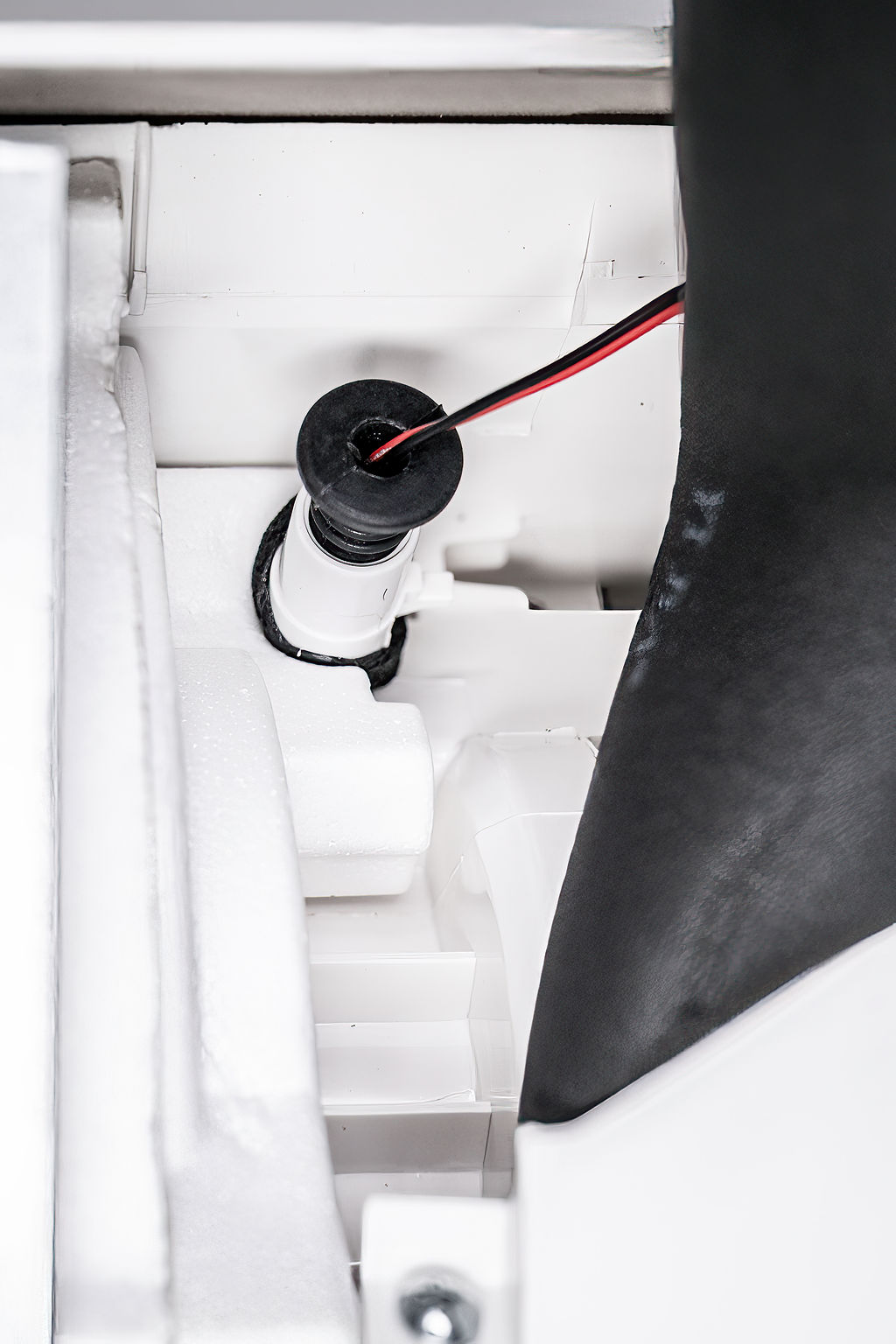
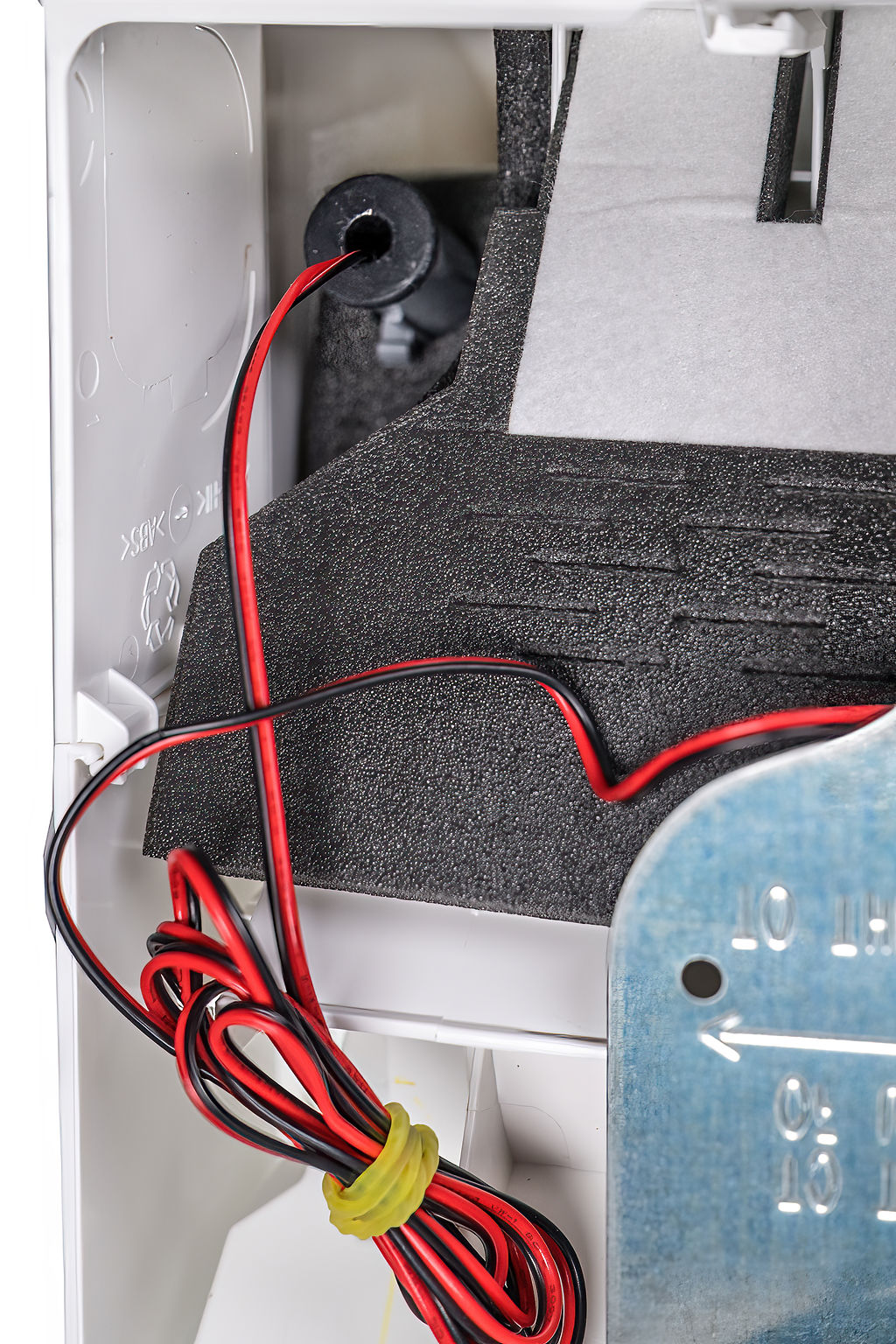
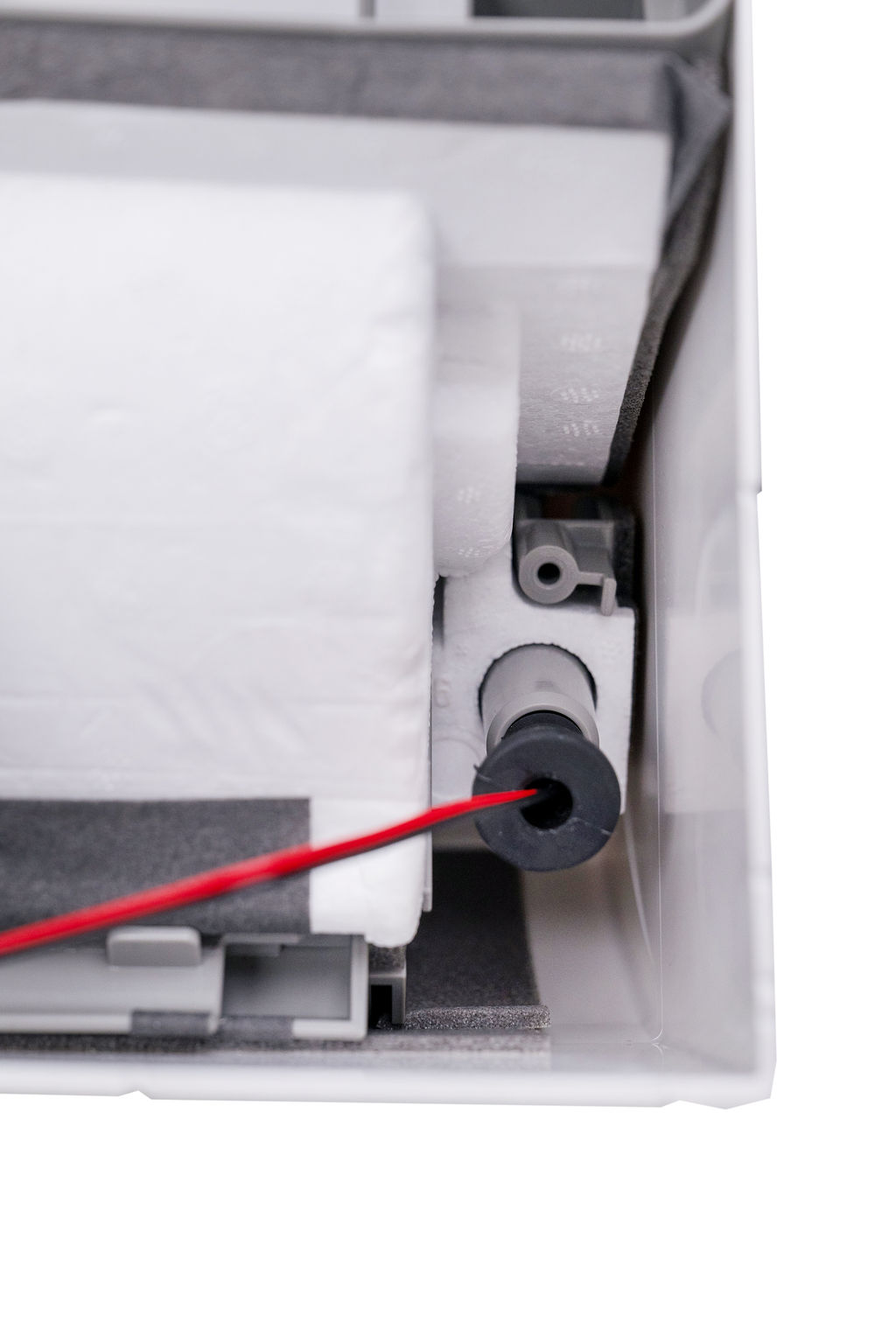
Remove the rubber plug from the unused drain outlet and insert the rubber sensor probe into it, ensuring that it is securely seated to provide a leak-free connection.

Different brands have different length auxiliary plugs. As you can see in the picture below, our probe is almost an inch longer than most plugs. Push in as far as you can, its ok to wet the probe or lubricate for easier fitment. Be Careful not to get any lubricants on the metal probes.
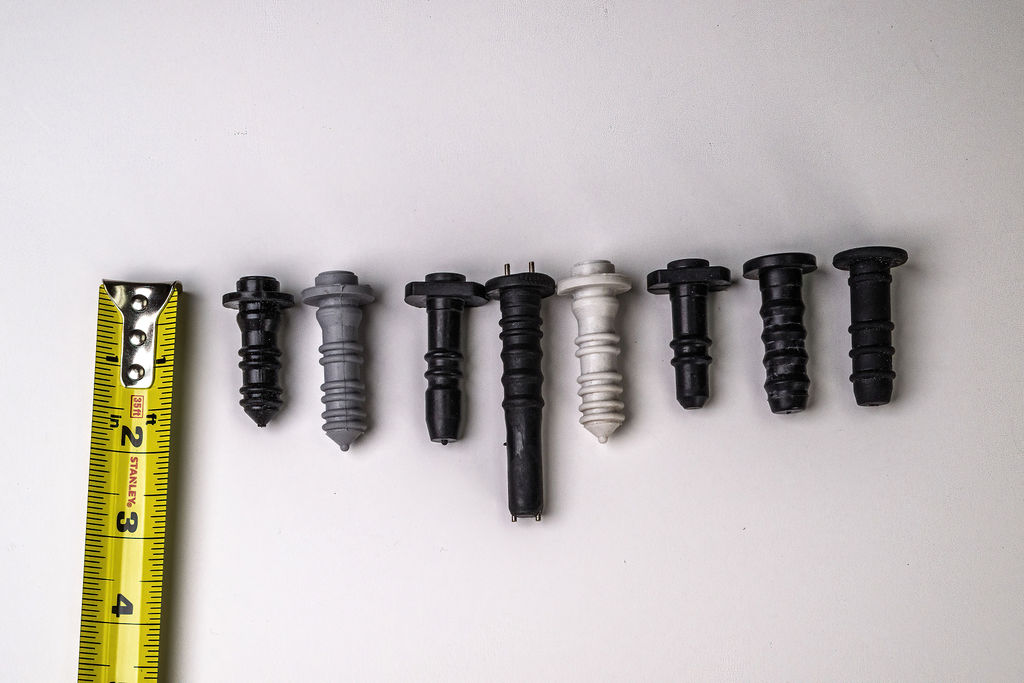
Click on the photos below for examples of water probe installation.
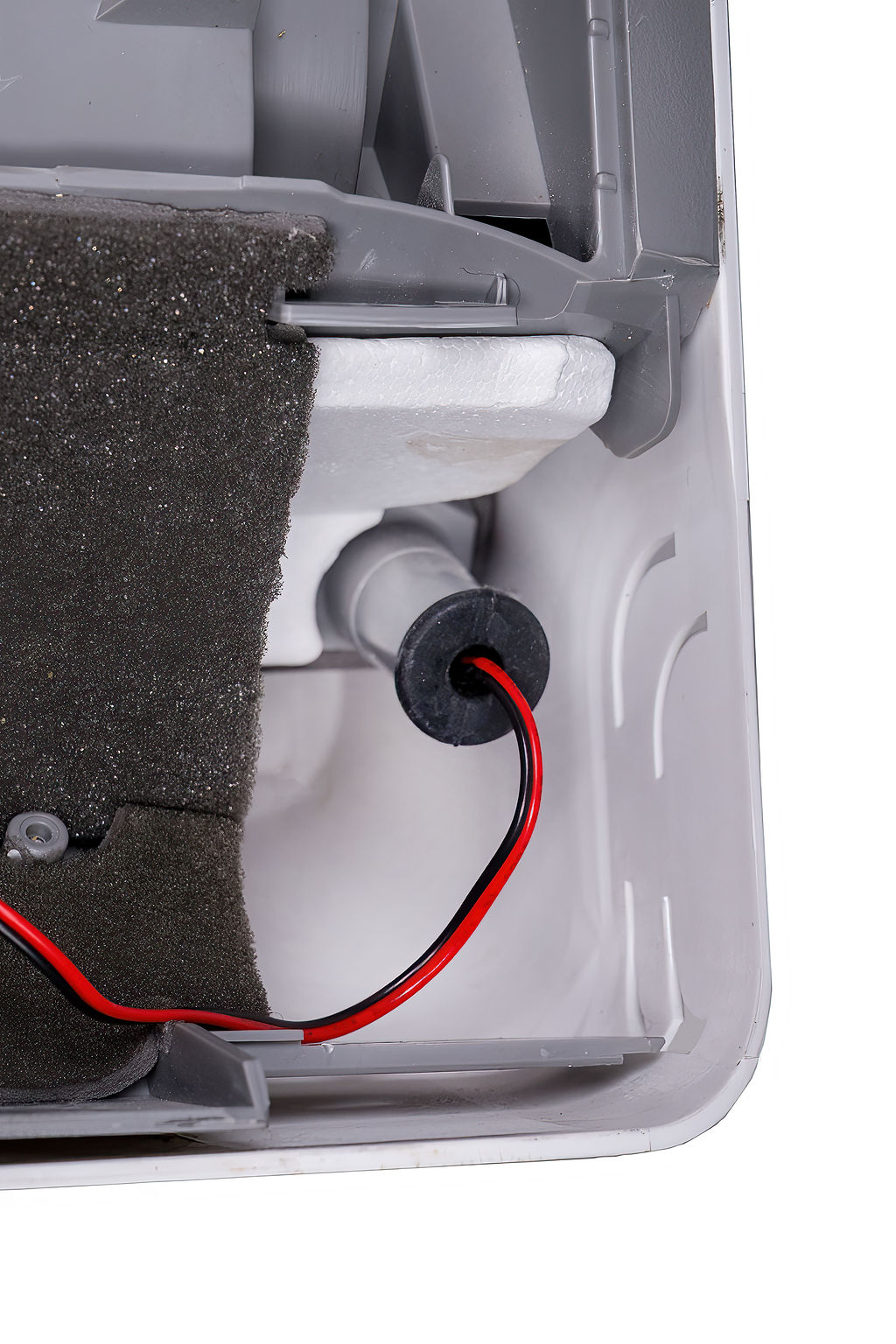
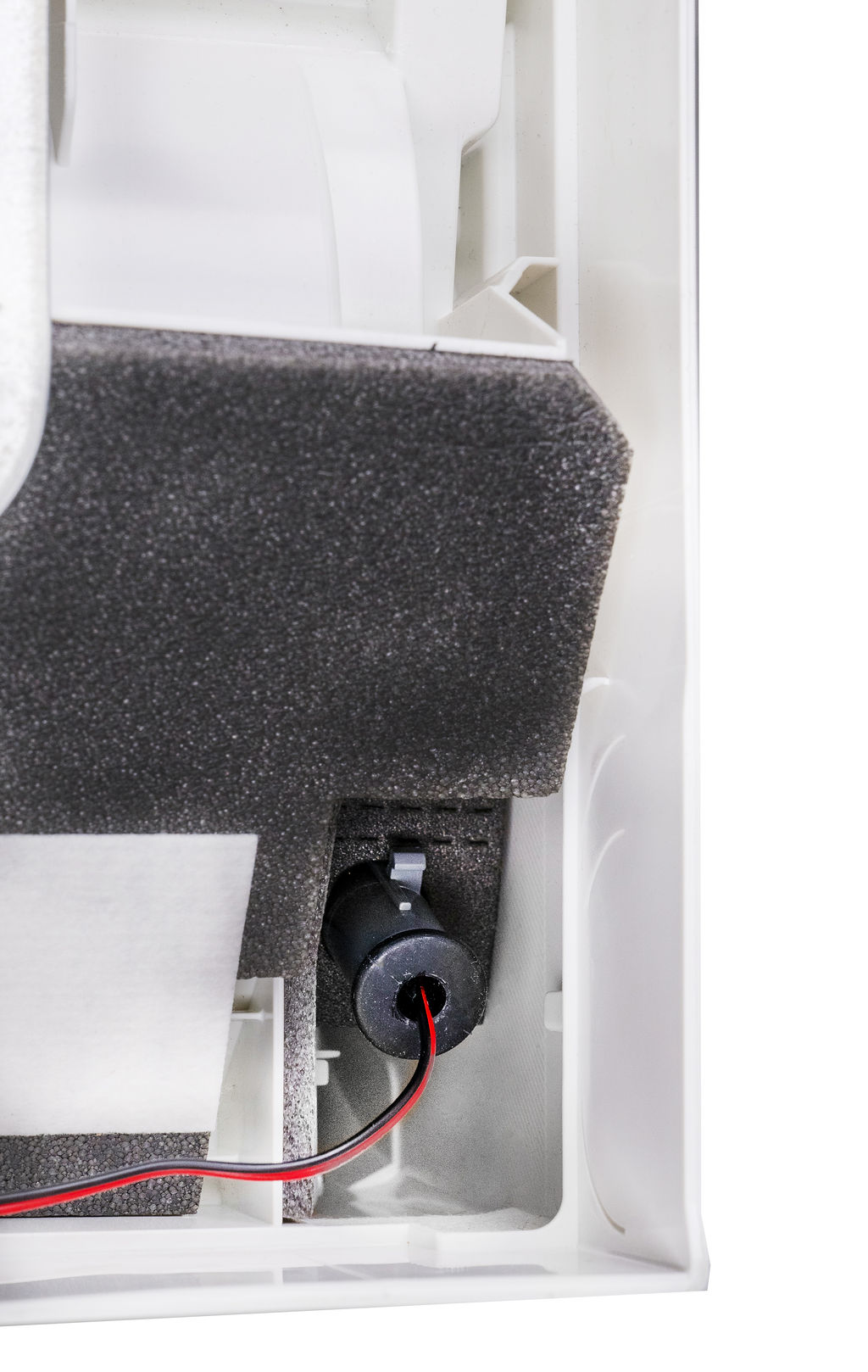
4

COMMISSIONING & TESTING

  1. Turn the power on at the breaker or disconnect switch.
  2. The module LED will illuminate Green. If the LED does not illuminate green, switch off the power and check the wiring.
  3. When the LED shows green, power on the air handler. If the air handler unit does not turn on, switch off the power and check the wiring.
  4. To prevent false alarms, a continuous contact of 10 seconds across the 2 sensor pins in the probe is required before the air handler switches off.

If the probe sensor pins do not sense water contact for 10 seconds continuously, the air handler will turn back on.

Test by removing the probe from the drain outlet and shorting across the sensor pins with water or a metallic conductor. After 10 seconds the LED will illuminate RED and the air handler should stop.

Remove the water or the metallic conductor from the sensor pins in the probe and the air handler should start up again. Replace the probe securely in the drain outlet.